Capture Audio and Voice Recordings
with Intelligent Audio Tools
PerfectAudio transforms your browser into a powerful audio capture tool with built-in Key & BPM detection — plus much more
No routing. No setup. Just capture and create.
Works instantly in Chrome
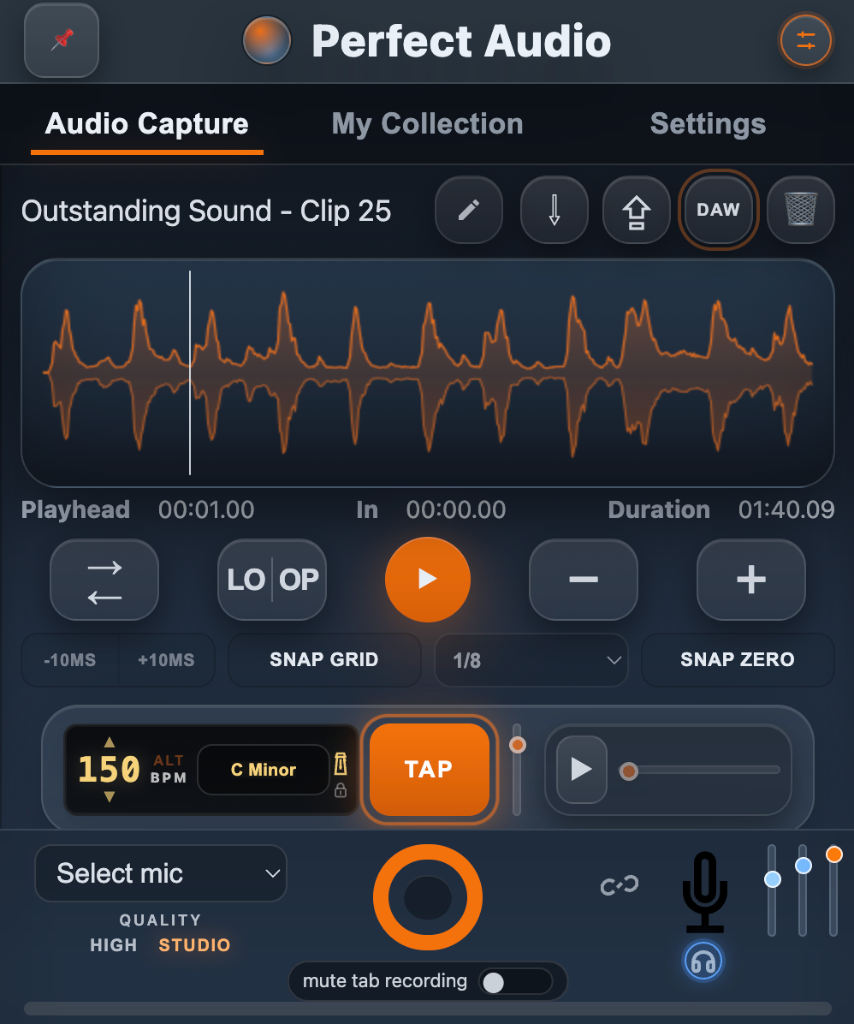
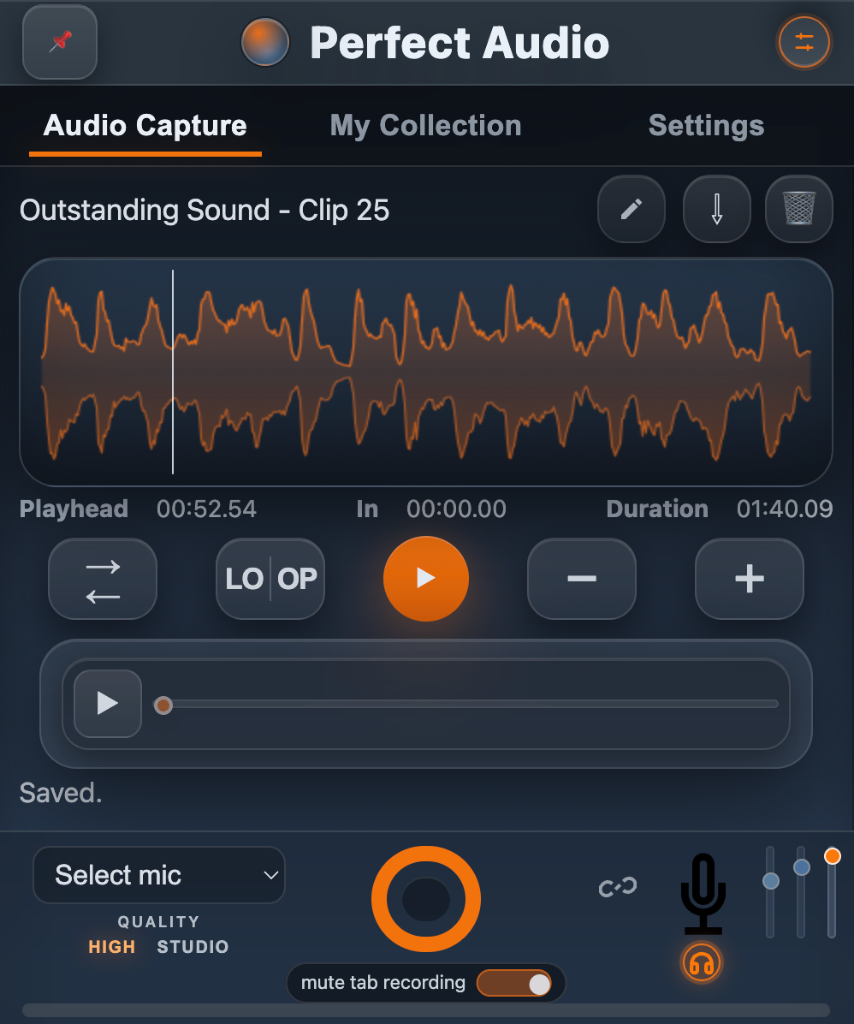
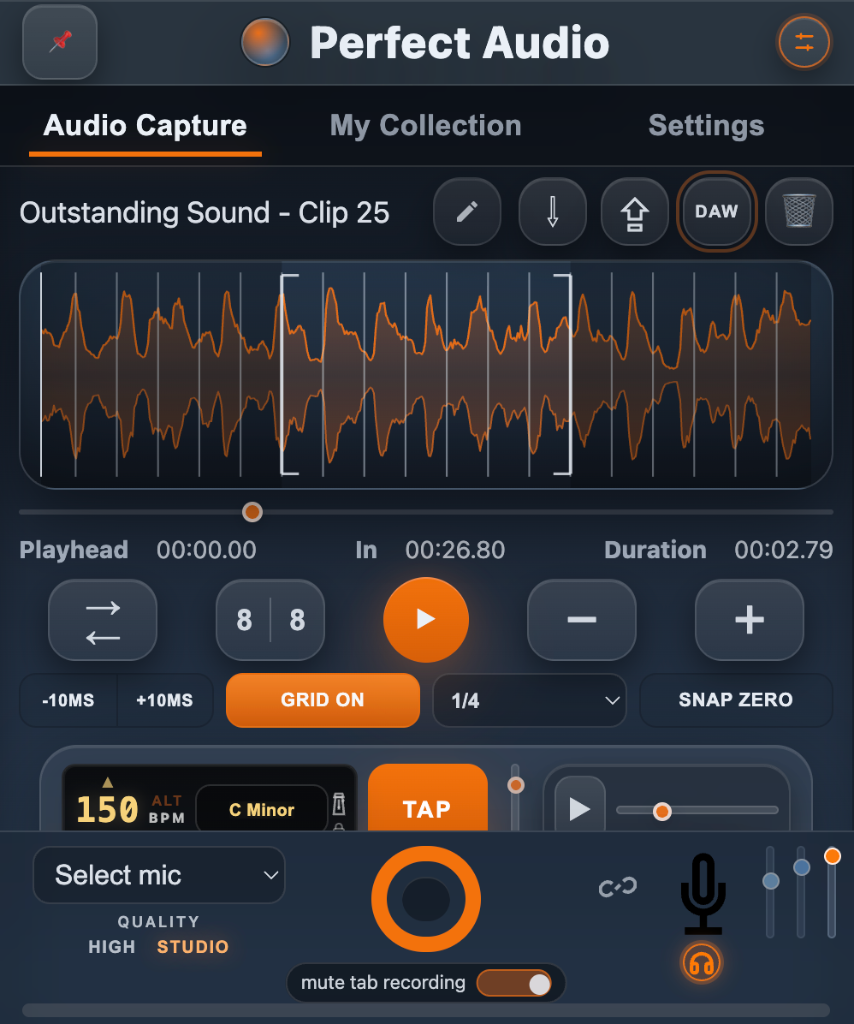
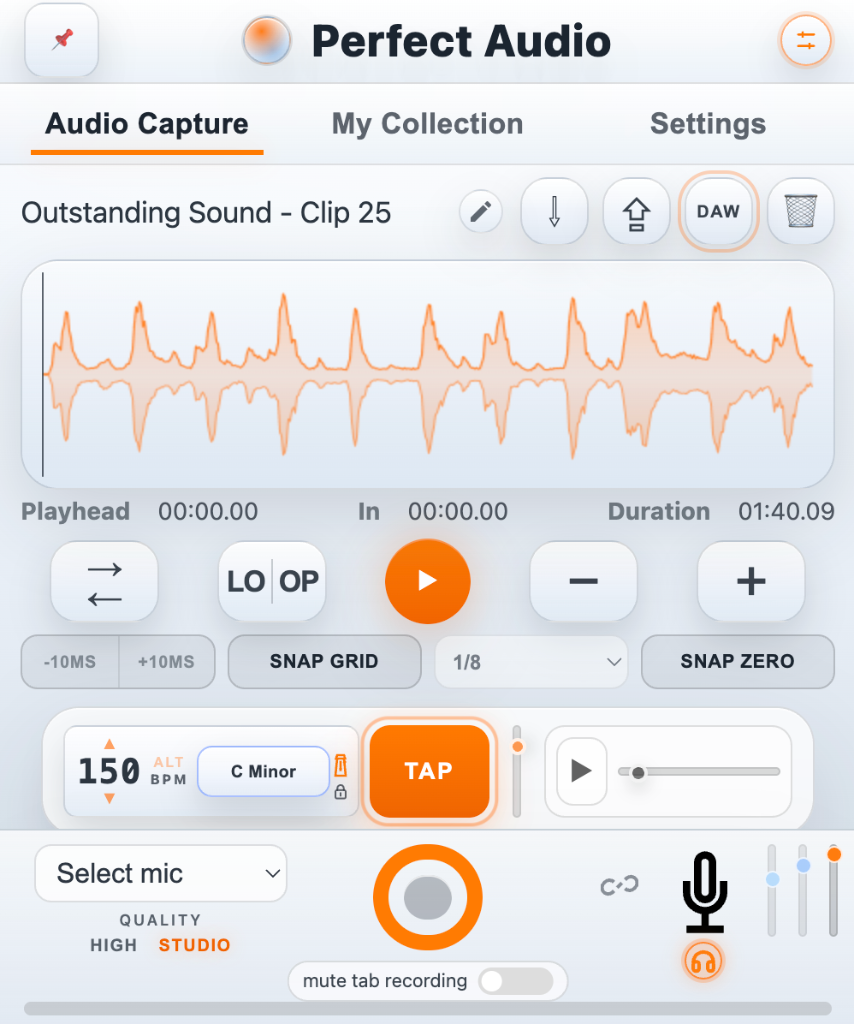
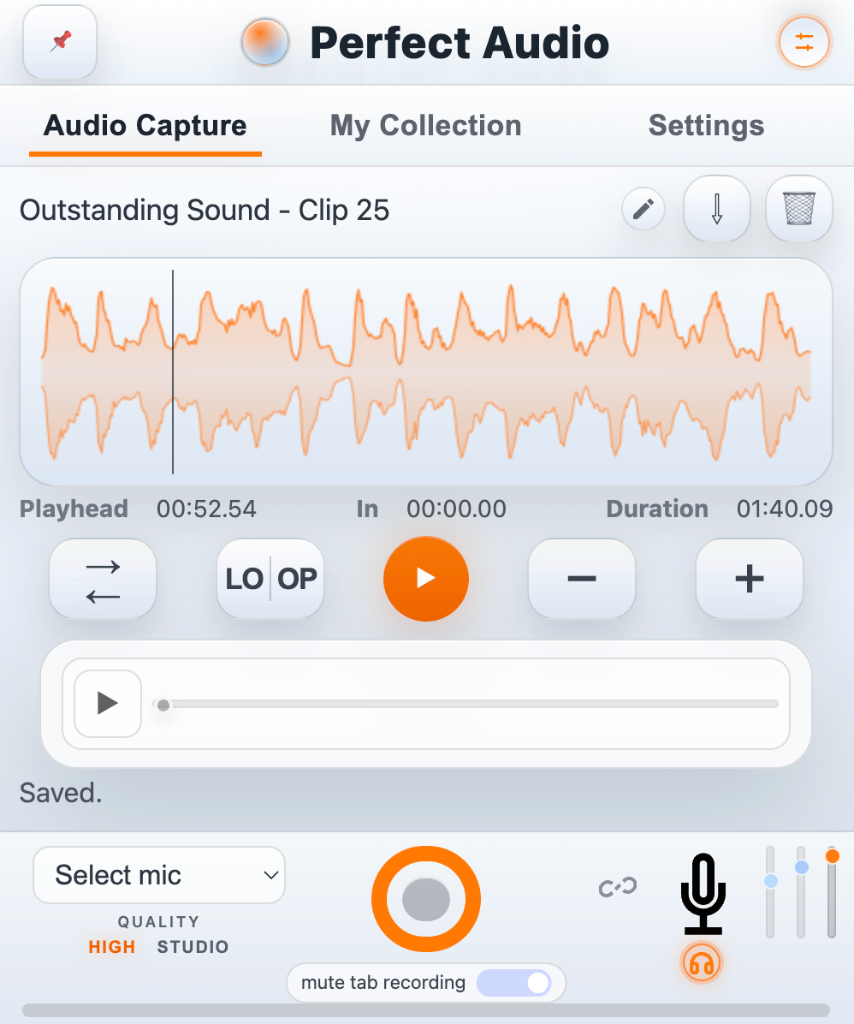
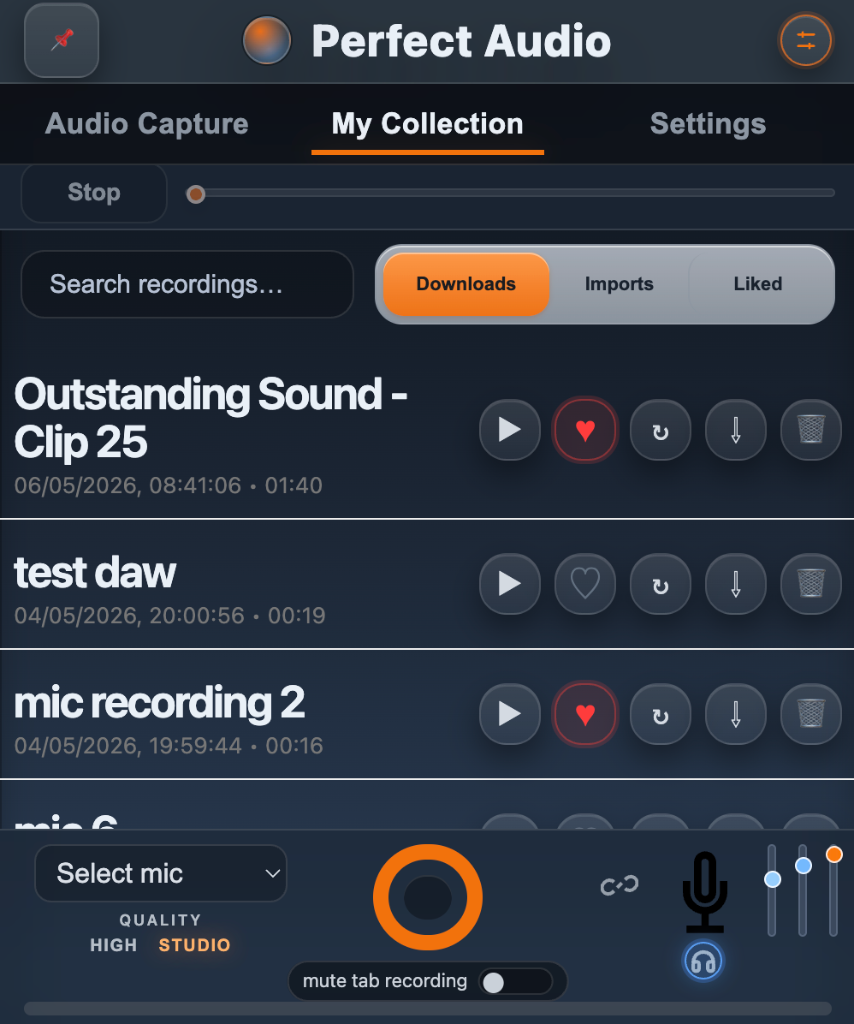
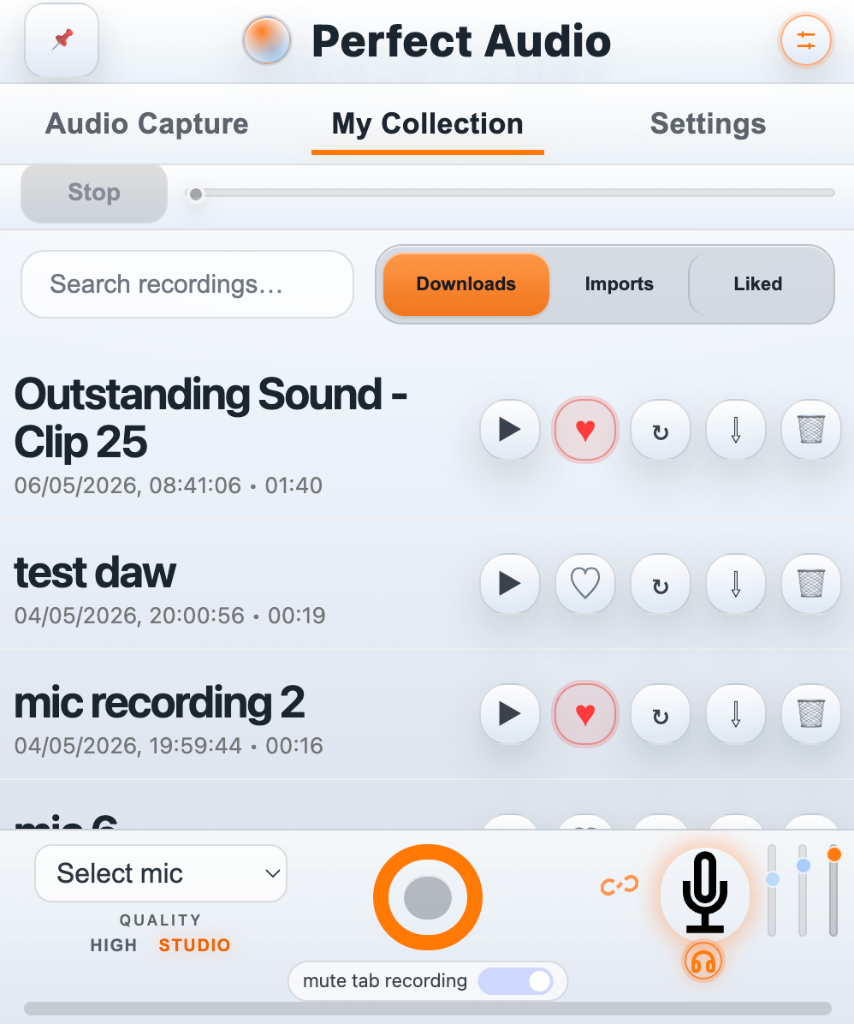
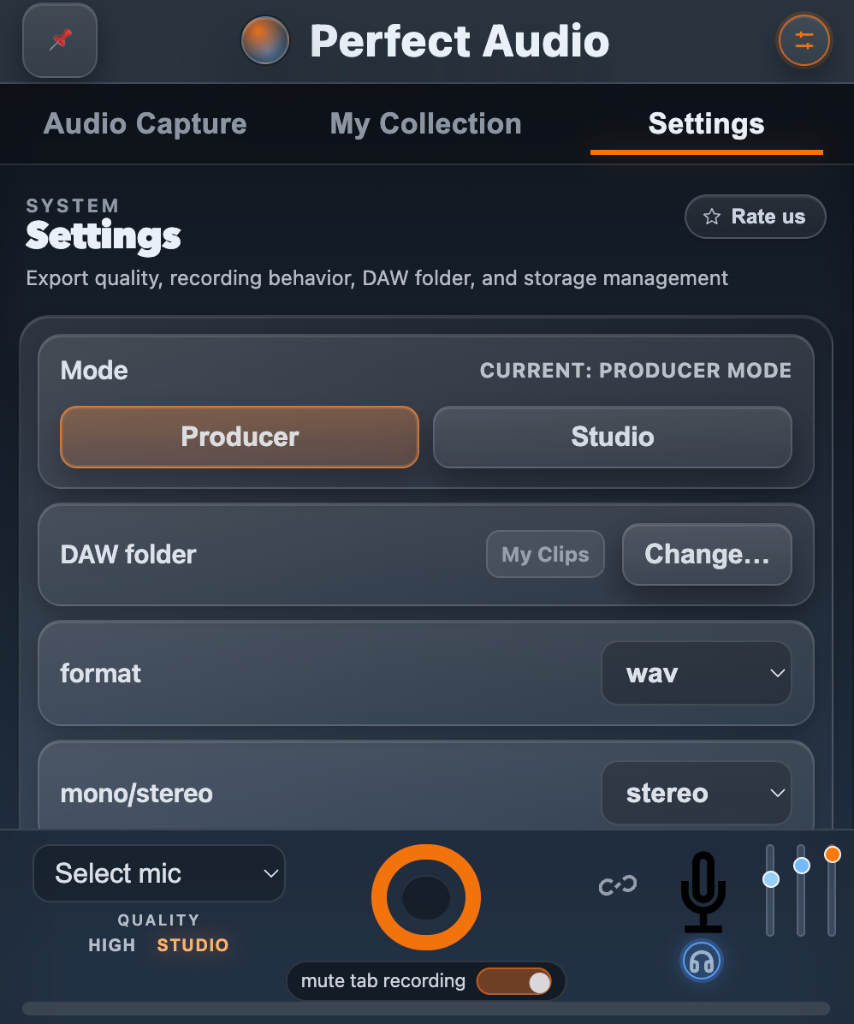
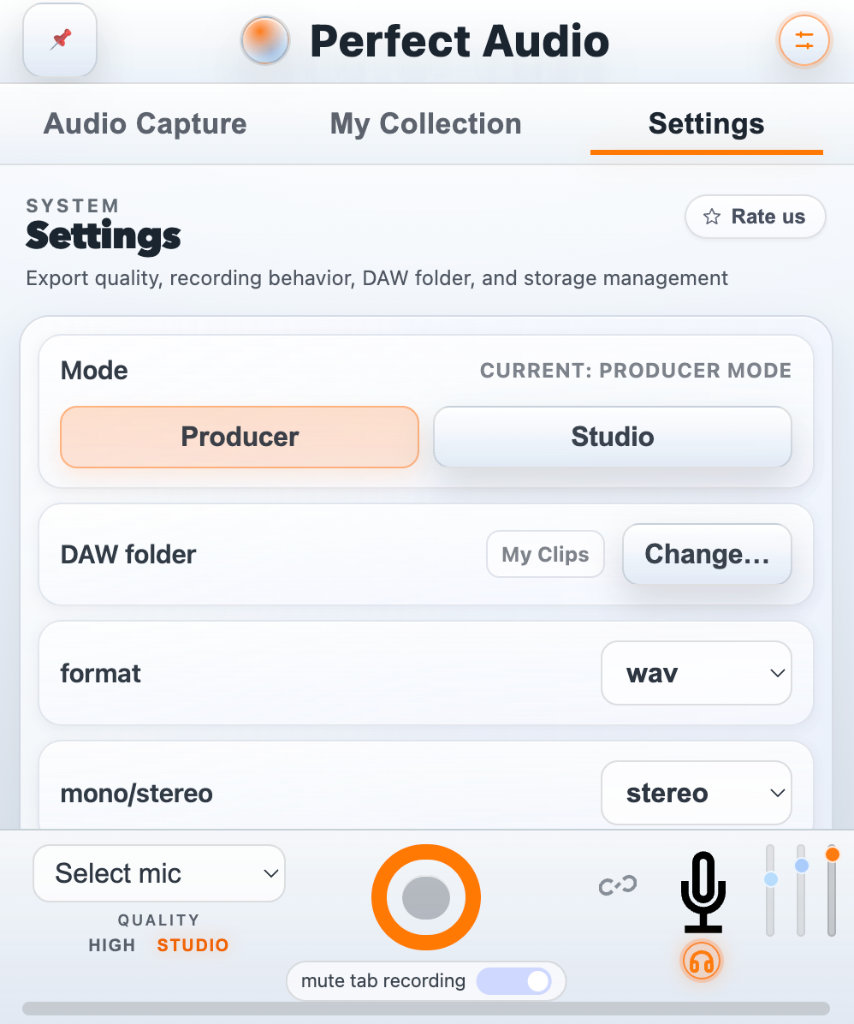
Core Features
Everything You Need to Capture & Analyse
Professional-grade browser audio tools built from the ground up for music creators.
Crystal Clear Voice Recording
Capture clear voice recordings with professional monitoring tools.
- High and Studio quality microphone recording plus reverb and reverb ducking
- Hear yourself in real time while recording
- Record microphone and tab audio simultaneously
Key Detection
Detect the musical key of any sound instantly.
- Automatic key analysis
- Harmony suggestions
- Related key insights
Browser Audio Capture
Capture audio from your selected browser tab.
- Capture tab audio
- Record tab and microphone together
- Optional tab muting while recording
BPM Detection
Understand the tempo of any sound.
- Automatic BPM detection
- Alternative BPM suggestions
- Tap tempo
Lightning Fast Audio Import
Import audio files and instantly detect key and BPM.
- WAV / MP3 / WEBM support
- Instant analysis
- Works with loops and references
Waveform Editing
Edit recordings directly in your browser.
- Waveform scrubbing
- Loop editing
- Snap to grid
Key & Harmony Tools
Explore musical relationships instantly.
- Related keys
- DJ mix suggestions
- Diatonic harmony ideas
Transpose & Speed Controls
Modify audio instantly.
- Realtime speed control
- Transpose controls
- Pitch-safe playback
My Collection
Your built-in audio library.
- Downloads / Uploads / Liked tabs
- Search recordings
- Quick preview playback
Two Modes
Built for Every Workflow
Switch between a clean listening experience or a full production toolkit — all inside your browser.
Studio Mode
Clean playback and quick capture.
- Play / pause controls
- Full-width waveform scrubber
- Click-to-seek playback
- Simple waveform navigation
- Sticky playback preview controls
- Minimal interface
Producer Mode
Full audio analysis and editing tools.
- Key detection
- BPM detection
- Metronome and tap tempo
- Transpose controls
- Speed adjustment tools
- Waveform editing tools
- Harmony analysis tools
Built Different
Engineered for Reliability.
99.9%
Recording Stability
Handles sessions of any length
Private
Zero Data Collection
Audio never leaves your machine
<1MB
Extension Size
Lightweight. Zero bloat.
None
Setup Required
Install and start recording

Start Capturing
Audio Instantly
Turn your browser into an audio capture and analysis tool.
Install PerfectAudioNo account needed • Works instantly
PerfectAudio© 2026 PerfectAudio. Crafted for creators.
Privacy Policy